Instagram Appeal Denied? What to Do Next (2026 Recovery Playbook)
Your first Instagram appeal was rejected — here's the exact 2026 playbook to escalate: secondary appeal channels, Meta Oversight Board, what to change, and timelines that actually work.
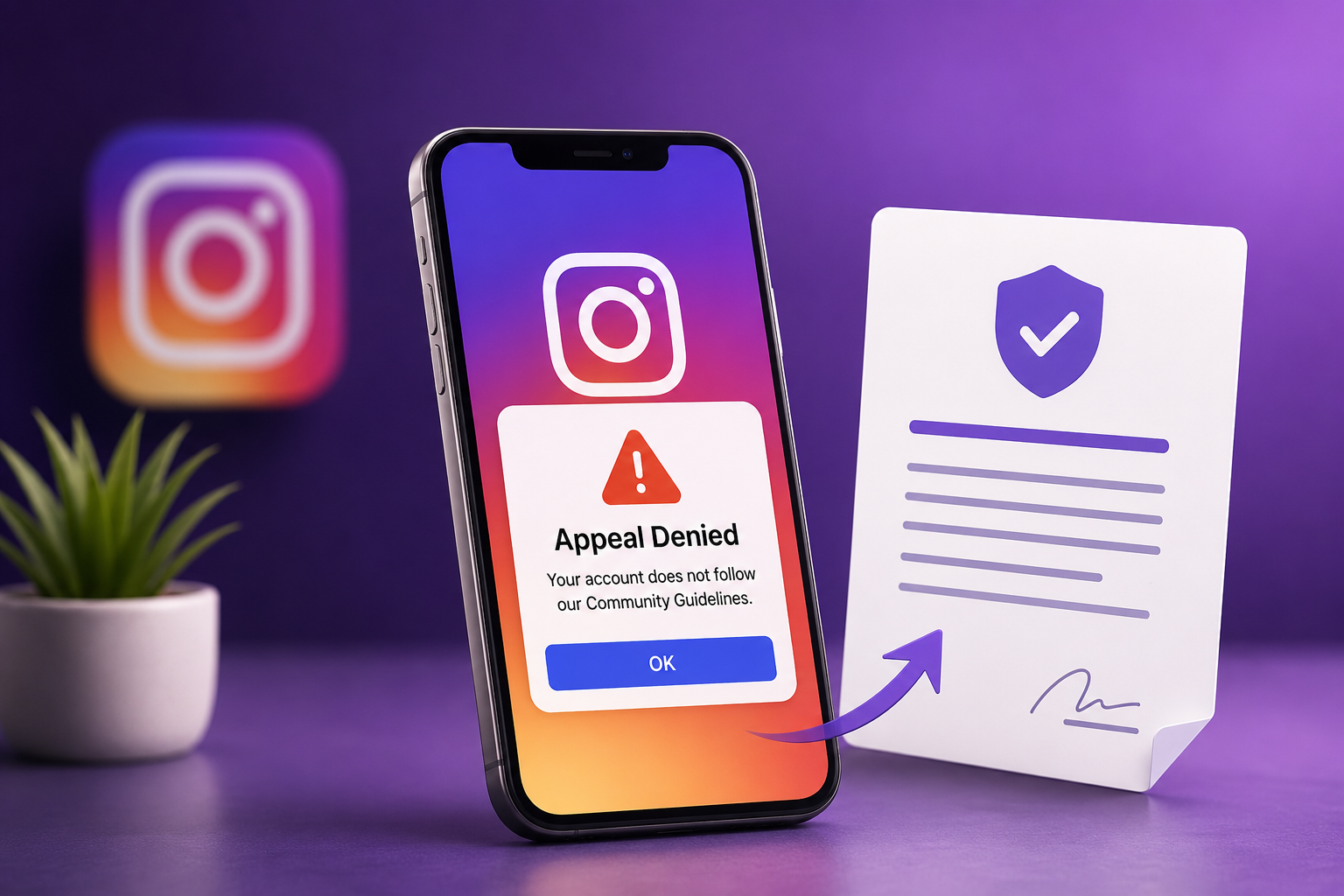
Getting a "We reviewed your account and it still goes against our Community Guidelines" email is brutal, especially after you carefully wrote your first appeal. The good news: a denied first appeal is not the end of the road in 2026. Meta gives you several escalation paths most users never use, and the success rate on a well-prepared second appeal is meaningfully higher than the first when you change the right things.
This playbook walks through exactly what to do in the 72 hours after a denial, which channel to escalate through next, and how to use the Oversight Board and country-specific legal routes as a last resort.
Step 1: Read the denial email carefully (don't reapply yet)
Before you do anything else, open the email Meta sent. The wording tells you which queue rejected you:
- "We've reviewed your account again and it still goes against..." means a human reviewer denial. Escalation works.
- "This decision cannot be reviewed again." means a final-tier denial. Go straight to the Oversight Board (Step 5).
- "We were unable to confirm your identity." means ID verification failed. Re-submit with a clearer photo on the same channel.
Re-submitting through the same form within 24 hours almost always lands you in the auto-reject bucket. Wait at least 48 hours and switch channels.
Step 2: Switch to the secondary appeal channel
Most users only know the in-app "Disagree with decision" button. There are actually three other channels, and each is reviewed by a different team:
- Meta Business Help Center contact form works even for personal accounts if you've ever run an ad or had a Professional Dashboard. Higher-tier reviewers.
- "My personal account was disabled" web form is the slowest channel but useful when the in-app button has disappeared.
- Instagram Support inbox (in-app, for accounts you can still partially access) is only visible if your account is shadow-restricted rather than fully disabled.
Check your Instagram Account Status page first. If it loads, you're in the third bucket and have a much faster path.
Step 3: Change what you submit (not just where)
Reviewers can see your previous appeal. Sending the same text twice flags it as duplicate and routes it to auto-reject. Before re-appealing:
- Rewrite the appeal in different words. Same facts, fresh phrasing.
- Add one new piece of evidence, such as a clearer ID photo, a screenshot of the original content, or proof of account ownership (purchase receipt, linked email).
- Acknowledge the specific guideline Meta cited, even if you disagree. "I understand my post was flagged under [X policy]. After reviewing the policy, I believe this was a misclassification because..." converts far better than a flat denial.
- Drop emotional language. Words like "unfair," "ruined my life," or "I'll sue" route to the lowest-priority queue.
Our step-by-step recovery guide has the exact 150-word template that consistently works for second appeals.
Step 4: Wait the right amount of time
Meta's internal SLAs in 2026:
- In-app appeal: typically 24 to 72 hours
- Business Help Center form: 3 to 7 business days
- Web form (personal): 7 to 21 days
- Oversight Board: 30 to 90 days
Do not submit multiple appeals during the waiting window. Each duplicate resets your queue position and signals reviewers that the case isn't urgent.
Step 5: Escalate to the Meta Oversight Board
If your second appeal is also denied, you have one more option Meta is legally required to honor: the Meta Oversight Board. It's an independent body that reviews account and content decisions.
To file:
- Go to oversightboard.com and click Appeal a Meta decision.
- Enter the case reference number from your denial email (this is critical, since appeals without it are rejected within hours).
- Submit a concise statement: what was removed, which guideline Meta cited, and why you believe it was wrong.
- Wait. The Board accepts only a fraction of cases, but accepted cases have a very high reversal rate.
Step 6: Use country-specific legal and regulatory routes
When Meta's internal channels and the Oversight Board are exhausted, there are still formal routes most users never explore. Inside the AI Case Analyzer, the Possible Solutions section unlocks a country-specific legal guide for your case, including:
- The right data protection regulator to file a complaint with (ICO in the UK, your national DPA in the EU under GDPR, state attorneys general in the US).
- Ombudsmen and consumer protection bodies that can pressure Meta into a manual review.
- Small-claims court thresholds and template letters for paid features, ads, or business pages you lost access to.
- Legal-shield escalation routes when your account has commercial value or you were a verified creator.
This is the part most "appeal guides" skip entirely. It's also what tips the balance for accounts that have been silent for weeks.
Step 7: Secure a parallel account (don't lose your audience)
While you wait, don't sit idle. Create a backup account with a clearly different username (for example, @yourname.official) and:
- Add it to your link-in-bio on every other platform you own.
- Post once explaining the situation in calm, factual language. No platform-bashing. Your audience needs to find you, not pick a side.
- Save it as a fallback in case the original is never recovered.
When to use the AI Case Analyzer
If you're not sure which channel to use next or how to rewrite your appeal, our AI Case Analyzer reads your denial email and your original appeal, then generates:
- The exact secondary channel for your case type
- A rewritten appeal that addresses Meta's stated reason
- An evidence checklist tailored to the guideline you were flagged under
- A realistic timeline for the next 30 days
- A country-specific legal guide in the Possible Solutions section with regulators, ombudsmen, small-claims templates, and legal-shield routes
It's the same playbook we walk paid clients through, automated.
Bottom line
A denied appeal is a signal to change channel, change wording, add evidence, and escalate legally if needed, not to give up. The accounts that come back in 2026 are almost always the ones that escalate methodically through the second and third channels, file with the Oversight Board, and use the country-specific legal routes inside our Possible Solutions guide when Meta stops responding.
For complex cases, our contact form goes straight to the recovery team.