Why Instagram Disabled My Account: 15 Common Reasons Explained
Instagram doesn't tell you exactly why your account was disabled. Here are the 15 most common reasons in 2026, what triggers each one, what evidence Meta looks at, and how to avoid them in the future.
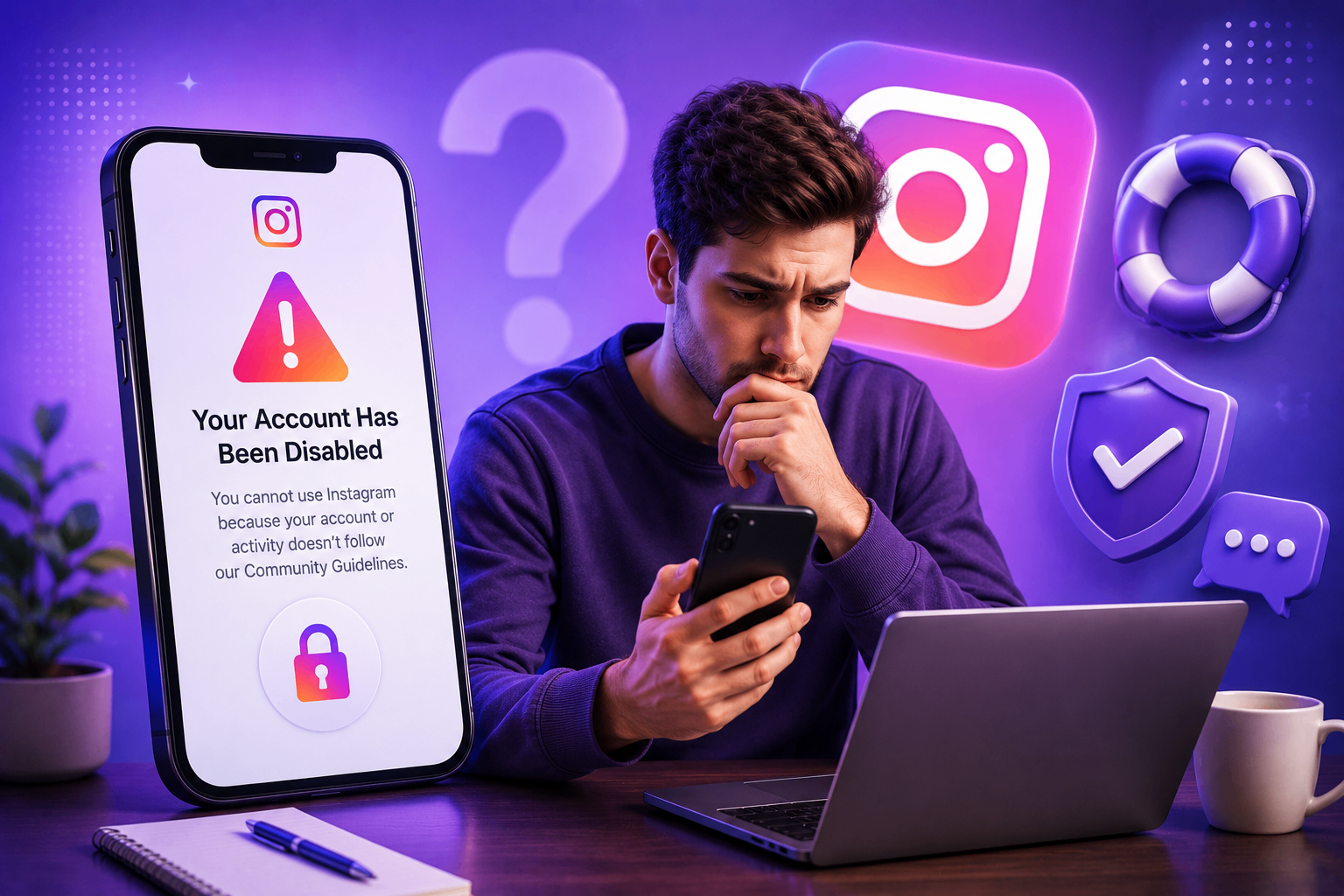
Instagram rarely tells you the specific rule you broke — just that you "violated our Community Guidelines" or "Terms of Use." That vagueness is intentional. If Meta published the exact thresholds and signals it uses, spammers, scammers, and account-resellers would game them within days. But it leaves regular users confused and unable to write a focused appeal.
Below are the 15 reasons we see most often in 2026, ranked roughly by frequency. For each, we explain what triggers the rule, what evidence reviewers actually look at, and what kind of appeal works.
1. Suspicious or automated activity
Liking, following, or commenting too fast — even manually — looks like a bot to Instagram's spam classifier. The classifier flags accounts that exceed roughly 150 actions per hour, follow/unfollow in tight loops, or sustain inhuman engagement velocity for hours.
What to do: Slow down. If you're running an engagement-heavy campaign (new launch, contest), space actions across the day. In your appeal, acknowledge that you may have engaged unusually fast during a specific period and commit to normal pacing.
2. Using third-party automation tools
Auto-followers, mass-DM tools, like-exchange apps, "growth services," and even some scheduling tools that log in directly to Instagram (rather than through the official Graph API) are violations. Meta detects these by API fingerprint and TLS signature, not just by behavior — so disconnecting the tool doesn't always remove the flag.
What to do: Revoke every third-party app at instagram.com/accounts/manage_access, change your password, then wait 7 days before appealing so the activity record settles.
3. Logging in from many devices or countries
If you log in from five countries in a week, Instagram assumes the account is compromised — even if it's just you traveling. The threshold is lower than people think: three different country logins within 14 days often triggers review.
What to do: Use the in-app account switcher rather than re-logging on each device. When you travel, log in once and stay logged in.
4. Sharing a phone number or IP with banned accounts
If a household member, ex-partner, business partner, or even a previous tenant on your home Wi-Fi had an account that was banned, new accounts on the same SIM, Wi-Fi, or device can be auto-disabled — sometimes within minutes of signup. This is called associated account enforcement and it's one of the most frustrating triggers because the user did nothing wrong.
What to do: Submit a video-selfie verification through the in-app appeal. Explicitly state in your note that you have no relationship with whatever account Meta may be associating yours with.
5. Posting content flagged for nudity or sexual activity
Instagram's vision models scan every image and video uploaded. False positives are common with artistic photography, breastfeeding posts, post-surgery and post-mastectomy photos, art history references, and painted nudes. Appeals for these usually succeed if framed as artistic, educational, or medical.
6. Hate speech or harassment reports
Even one report from a high-trust account can trigger automated review. Comments are scanned for slurs in 40+ languages. Sarcasm and reclaimed slang are frequent false positives — Meta's NLP doesn't distinguish reclamation from attack reliably.
7. Violent or graphic content
This includes blood, weapons, animal harm, accident footage, and (frequently) news clips that other publishers post freely. Documentary photographers, journalists, conflict reporters, and harm-reduction educators are repeatedly hit by this one.
What to do: Frame the appeal as documentary or educational. Reference Meta's own "newsworthy content" exception in the Community Standards.
8. Dangerous goods (drugs, firearms, wildlife)
Selling, promoting, or even showing prices for restricted goods is auto-detected. Tobacco and alcohol promotion is region-restricted, not globally banned — content that's fine in the US can disable an account targeted to the EU.
9. Intellectual property complaints
If someone files a DMCA, copyright, or trademark report against you, Instagram disables first and asks questions later — the legal exposure of leaving infringing content live is too high. Music in Reels and re-uploaded video clips are the most frequent triggers.
What to do: File a counter-notice through the IP help form, not a general appeal. Include proof you own the content or have a license.
10. Impersonation reports
If anyone claims you're pretending to be them or their brand — even falsely — your account can be disabled while Meta investigates. You'll need to submit ID matching the name on your account, plus a handwritten verification note.
What to do: This is one of the most beatable categories. A government ID with a name matching your account almost always restores access.
11. Account integrity violation
This is the catch-all label Meta uses when its trust-and-safety models think the account itself is fake, sold, hacked, or operated inauthentically — not that a specific post was bad. We have a full breakdown in our account integrity guide.
The fix is identity verification (video selfie + ID), not a content-based appeal.
12. Age policy violations
If your account shows signs of being under 13 — birthday in bio, school name, content style, AI age-estimation from selfies — Instagram disables it. To restore, you must verify you're over 13 (and over 18 for adult-rated features) with ID or a video-selfie age-estimation model.
13. Misleading or scam content
Crypto signal groups, get-rich-quick offers, fake giveaways, romance scams, and impersonating well-known brands are heavily targeted. Even legitimate marketing copy with "guaranteed returns" or "risk-free" language can trigger this — Meta's financial-promotion classifier is aggressive.
14. Buying or selling accounts
Listing an account for sale, transferring access for payment, or using credentials marketplaces ("aged accounts," "warmed accounts") is grounds for permanent disable. The detection signal is usually a password reset followed by a country switch followed by a topic pivot within 30 days.
15. Repeated minor violations (strike accumulation)
You don't need one big violation. Three or four minor strikes within 90 days will disable an account. Meta's Account Status page shows your current strike count and which posts caused them. Check it monthly — many users discover strikes they didn't realize they had.
What to do once you know the likely reason
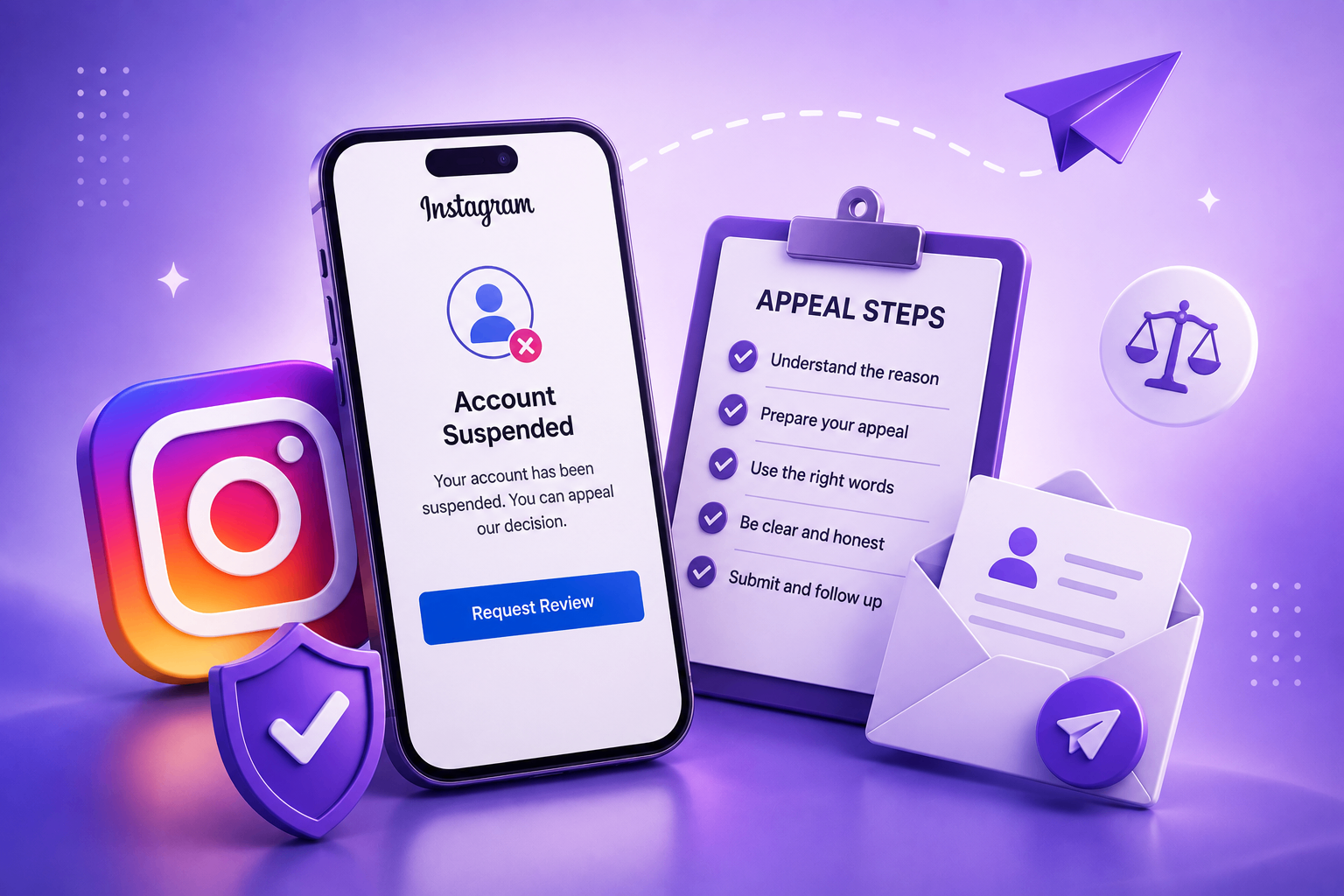
When you write your appeal, don't guess wildly. Pick the single most likely cause and address it directly. Reviewers respond to short, focused appeals — never to ones that defend against every possible accusation simultaneously, because those read as evasive.
A focused appeal looks like: "My account was disabled on [date], likely because [one specific reason]. I have already [specific corrective action]. I am the original owner and can verify identity. Please restore access."
Cross-references
- For the exact wording to use, see our appeal template library.
- For the full step-by-step recovery process, see how to recover a disabled Instagram account.
- For "I didn't do anything" cases, see Instagram disabled for no reason.
If your situation is genuinely ambiguous, our AI Case Analyzer takes the symptoms you saw and tells you which of these 15 categories is most likely, plus the strongest appeal angle. You can also contact us if you want a human review before submitting.
Bottom line
Instagram's enforcement is largely automated, which means most disables are recoverable through the right appeal. Knowing which of these 15 reasons matches your situation is the first step. The second is writing a calm, specific appeal that addresses that one reason directly — not all of them at once.