How to Recover a Disabled Instagram Account in 2026 (Step-by-Step Guide)
A complete 2026 walkthrough for recovering a disabled Instagram account — what to click, what to write in your appeal, how long it takes, and what to do if Meta rejects you.
Getting the message "Your account has been disabled for violating our terms" is one of the most stressful things that can happen on social media — especially if your account holds years of memories, business contacts, customer DMs, or income from creator monetization. The good news: in 2026, most disabled Instagram accounts can still be recovered if you act quickly, use the correct appeal channel, and submit the right kind of evidence.
This guide walks you through every step Meta currently uses, what to write in your appeal, what evidence helps, how long it actually takes, and what to do if the first appeal fails. It's based on patterns we see across thousands of real recovery cases each month.
Step 1: Confirm your account is actually disabled (not just temporarily locked)
Before you submit anything, make sure your account is disabled, not just temporarily restricted or logged out for suspicious activity. The recovery path is different for each.
- Temporary lock — you usually see a message like "We've detected unusual activity" and can verify by SMS or email. No appeal needed.
- Action block — you can log in but can't like, follow, or comment for a few hours or days. This expires on its own.
- Recommendation limit — your posts still exist but reach drops sharply. Visible in Settings → Account Status.
- Disabled account — when you try to log in, Instagram says "Your account has been disabled for violating our terms" and shows a "Learn more" or "Disagree with decision" button.
Only the last case is what this guide covers. If you're not sure, try logging out completely and logging back in: a real disable shows the red "account disabled" screen on every device, every time.
Step 2: Use the in-app "Disagree with decision" button (most important)
Since 2023, Meta has consolidated most appeals into the app itself. This is the fastest, most effective recovery path in 2026 — significantly higher conversion than any web form.
- Open the Instagram app and try to log in with your username and password.
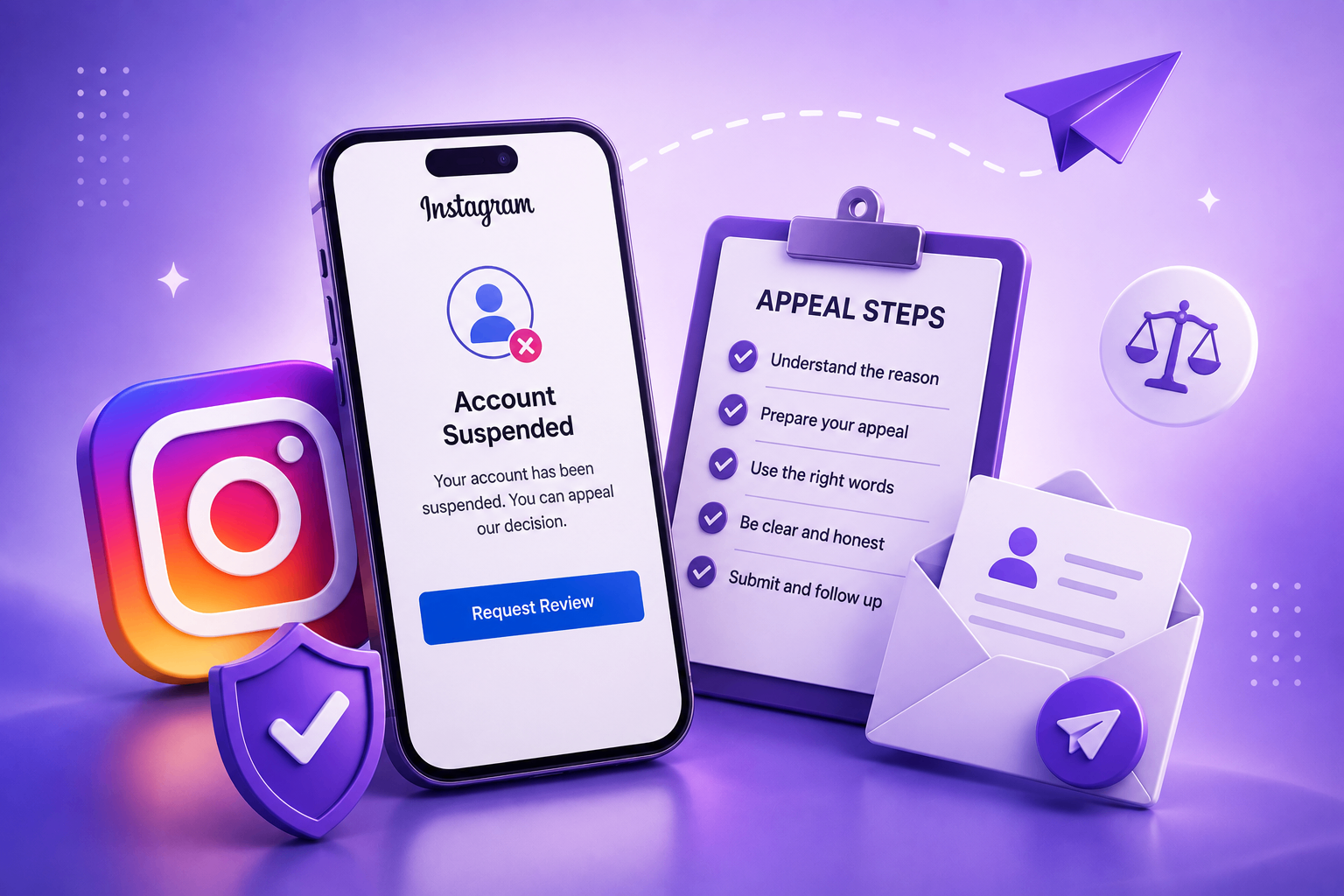
- When the "Account disabled" screen appears, tap Disagree with decision (sometimes labeled Request review).
- Enter the email address you want Meta to reply to. Use one you check daily — replies often expire after 7 days.
- You'll receive a security code by email. Enter it.
- You'll be asked for either a video selfie or a photo of a government ID. Provide whichever Meta requests. Don't skip this step.
- Submit a short, calm appeal note (template below).
Why this path works best: The in-app flow triggers Meta's prioritized "video-selfie verification" pipeline, which is reviewed by a smaller, faster team than the generic web form queue.
Step 3: If the in-app option is missing, use the web form
If "Disagree with decision" doesn't appear (which happens with some severe-violation flags), go to the Meta Help Center and search for "My Instagram account was deactivated". There are actually three forms on Meta's help system — make sure you pick the one matching your situation:
- "My Instagram account was deactivated" — for personal account disables.
- "My Instagram business account was deactivated" — for professional / creator accounts.
- "Report an impersonation account" — only if someone is impersonating you, not for your own disable.
Submitting through the wrong form often leads to silent rejection because reviewers assigned to one queue can't action cases in another.
Step 4: Write a calm, specific appeal (under 150 words)
The single biggest mistake people make is writing too much. Reviewers spend 20–40 seconds per case. Long appeals get auto-routed to slower queues. Here's the structure that converts best:
Hello Instagram Team,
My account @username was disabled on [date]. I have reviewed Instagram's Community Guidelines carefully and I do not believe my account violated any of them. I am the original owner, registered with the email [email]. I am happy to provide a government-issued ID for verification.
Please review my account and restore access.
Thank you, [Full Name]
That's it. Five sentences. No emojis, no exclamation marks, no all-caps, no threats of legal action. Reviewers respond to calm, formal, specific appeals.
Step 5: Attach the right evidence (and only the right evidence)
When the form lets you attach a file, include:
- A photo of a government-issued ID matching the name on your account. Cover the ID number with your thumb but leave your name and photo visible.
- For impersonation cases, a handwritten note with your username, today's date, and your signature, held in your hand.
- For business accounts, proof of business — incorporation document, business license, domain registration, or recent invoice.
Do not attach screenshots of old posts, follower counts, analytics, or messages from customers begging for the account back. Reviewers ignore all of these.
Step 6: Wait the full window without re-submitting
Meta's stated review window is up to 30 days. The median we see in 2026 is:
- 2–4 days for in-app video-selfie cases.
- 7–14 days for personal account web-form cases.
- 3–7 days for business / creator account web-form cases.
- 1–3 days for replies to rejection emails.
Do not submit a second appeal during this window. Duplicates get auto-merged and pushed to the back of the queue. This is the single most common reason people stay disabled for months.
Step 7: If you get a rejection — reply, don't re-submit
A rejection email is not a final answer. Reply directly to it within 7 days with a one-paragraph clarification: confirm you've understood the cited rule, restate that you believe it was applied in error, and offer additional verification. Replies are routed to a human escalation team that has authority the first reviewer didn't.
If 14 days pass with no response after your reply, you can submit a fresh appeal from a different IP address — sometimes the case is re-triaged by a different team. But never spam.
Step 8: Last-resort escalations
If two rounds of appeals fail, you still have legitimate options:
- Meta Verified subscribers get direct support chat through Account Status. Even one month of Meta Verified ($14.99) can get you to a human reviewer in under 24 hours.
- The Oversight Board (oversightboard.com) accepts a small fraction of cases but does occasionally overturn Meta decisions, especially around art, journalism, and political speech.
- Data download request — even if you can't restore the account, you can submit a GDPR / CCPA data request to recover your photos, messages, and contact list.
What absolutely does NOT work in 2026
- Paying anyone on Fiverr, Telegram, or Reddit who claims to "know someone inside Meta." Every single one is a scam.
- Creating a second account to "rescue" the first — Meta detects this through device fingerprinting and disables both.
- Threatening legal action in your appeal. This auto-routes to Meta's legal review queue, which is slower and harder to escape.
- Using a VPN to look more local. VPN logins actually deepen the integrity flag because they look like account takeovers.
- Mass-tweeting at @InstagramHelp. The public Twitter/X account hasn't escalated individual cases since 2022.
What to do while you wait
- Save anything you can: cached follower lists, screenshots of best-performing posts, customer contact info.
- Tell important contacts through other channels so you don't lose business opportunities.
- Stay off duplicate accounts — even a "personal backup" account opened during your appeal can be auto-disabled and used as evidence against the original.
- Keep using your other platforms normally. There's no benefit to going dark.
Need help writing your appeal?
If you'd like a second opinion on how to frame your case, our AI Case Analyzer walks you through the specific symptoms you saw, identifies the most likely cause, and drafts an appeal in the exact tone and structure Meta's reviewers respond to.
For complex cases — hacked accounts, impersonation reports filed in bad faith, ad-account cascading disables — having a structured appeal is the difference between recovery in days and a case that drags on for months. You can also visit our Contact page if you'd like a human on the AppealMate team to look at the specifics before you submit.
Bottom line
Instagram's enforcement is largely automated, which means most disables are recoverable through the right appeal submitted through the right channel. The two things that matter most are speed (appeal within the first 14 days) and discipline (one calm appeal, then wait — don't spam the system).
If you follow the steps above and don't get a response within the timelines listed, come back and read the response-time guide for what to do next.