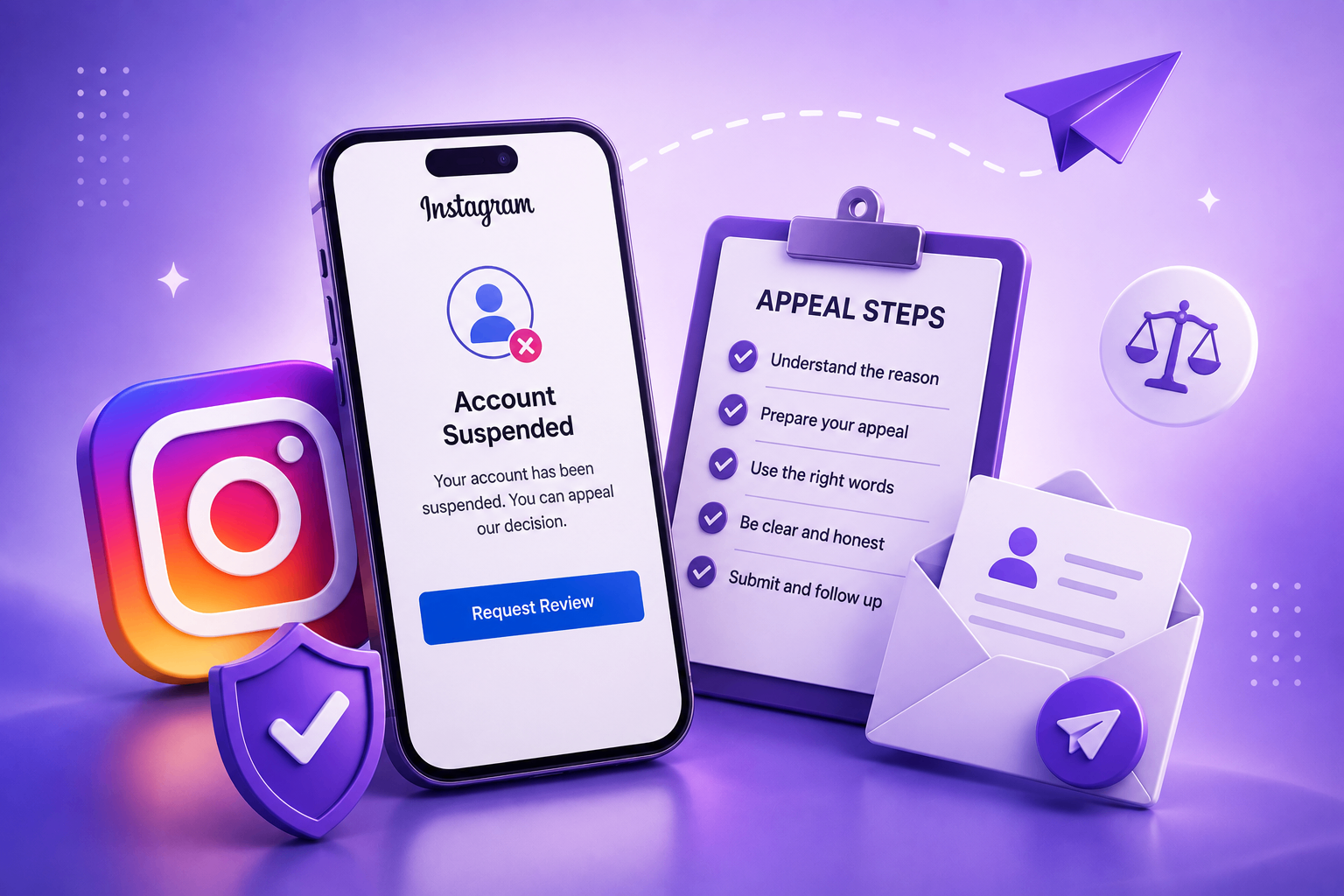
How to Recover a Disabled Facebook Account: Complete Guide
Step-by-step Facebook account recovery for 2026 — including personal profiles, business Pages, ad accounts, and Business Manager. What works, what doesn't, and how to write a winning appeal.
Facebook account disables work differently from Instagram in three important ways: the appeal interface lives inside Meta Business Suite for many cases, identity verification is more rigorous, and the consequences for related assets (Pages, Ad accounts, Pixels, Catalogs) cascade fast. A single disabled personal profile can lock you out of Pages you admin, ad campaigns you've spent money on, and the entire Business Manager that holds them.
Here's a 2026 walkthrough covering every asset type.
Step 1: Figure out exactly what was disabled
Facebook can disable any of these independently:
- Your personal profile (the most common case).
- A Page you admin.
- An Ad account you control.
- Your entire Business Manager / Meta Business Portfolio.
- A single Pixel or Catalog.
- A WhatsApp Business Platform account linked through Business Manager.
Each has a different recovery path and a different appeal form. The disable email always names the specific asset — read it carefully before doing anything. Submitting the wrong appeal type guarantees rejection.
Step 2: Personal profile disable
If your personal profile is disabled, you'll see a message at login. The steps:
- Log in via facebook.com/login. The message will include a "Submit an appeal" or "Request a review" link.
- Provide an email Meta can reach you at. Use a non-Facebook email you check daily.
- Upload a photo of a government-issued ID matching the name on your profile. Cover ID numbers, leave name and photo visible.
- Wait up to 30 days. Don't submit again during this window.
If the link doesn't appear, search Meta's Help Center for "Facebook disabled account appeal form" and use the form titled "Your account was disabled." Don't use the impersonation form unless you're reporting someone else.
What if your name doesn't match your ID?
If you go by a different name than your legal name on your profile, you may need to either change the profile name to match the ID, or submit a name-change request first. Facebook's "authentic name" policy is stricter than Instagram's — chosen names and stage names require additional documentation (publication credits, business filings, etc.).
Step 3: Page or Ad account restriction
For Pages and Ad accounts, recovery happens inside Account Quality (formerly Page Quality):
- Go to facebook.com/accountquality.
- Find the asset that was restricted.
- Click Request review.
- Provide a short, factual explanation (same 150-word, calm-tone rules as Instagram appeals).
Ad account restrictions sometimes also require resubmitting your business verification (incorporation docs, utility bill, domain ownership proof). This is done through Business Manager Security Center, not the ad account itself.
Step 4: Writing the appeal
The same structure that works for Instagram works for Facebook:
Hello, my Page "Acme Coffee" was restricted on May 1. I have reviewed Meta's commerce policies and I believe this was a mistake — none of my recent posts or ads contain prohibited content. I am the verified admin of this Page and the registered owner of the linked business. Attached are my incorporation document and a government ID. Please review and restore the Page.
Thank you, [Name]
Five sentences, identity offered, calm tone, no threats, no emotional language. See our appeal template library for variants for hacked accounts, impersonation cases, and integrity flags — they all work for Facebook too.
Step 5: If your Business Manager / Business Portfolio is disabled
This is the most serious case because every Page, Pixel, Catalog, Ad account, and WhatsApp Business asset inside it is locked simultaneously. Your ad spend pauses, your pixel stops firing, your catalog disappears from Shop, and any team members lose access.
The recovery path:
- Submit a Business Verification re-review through the Business Manager Security center.
- Provide updated incorporation docs dated within the last 12 months.
- Provide a clear utility bill or bank statement showing the business address (not a residential PO box).
- Provide domain ownership proof (DNS verification or HTML file upload).
- If you advertise in regulated industries (crypto, finance, supplements, dating, real estate, employment), expect category-specific review that adds 7–14 days.
- Be prepared for video verification of a key admin.
The 90th percentile for Business Manager recovery is around 30 days. Median is 7–14.
Step 6: Cascading disables — protect your assets
If your personal Facebook profile is disabled and you're the sole admin of a Page or Ad account, those assets become orphaned. Always:
- Add at least one backup admin to every Page you care about.
- Add at least two people with admin access to your Business Manager.
- Use System Users for automated integrations rather than personal-account API access.
- Keep an export of your Custom Audiences outside Meta.
This won't help you after the fact, but it protects you from the next incident.
Step 7: Ad account spend recovery
If you had active spend when the ad account was disabled, that spend is paused, not lost. Once restored, campaigns resume from where they stopped. If the account is permanently disabled, you can request a refund for unused balance through Billing in Business Manager (or via a Meta Help Center contact form if you're locked out).
What doesn't work on Facebook
- Creating a second personal account to "rescue" the first one. Meta detects this through device fingerprinting and disables both. This is the fastest way to make a temporary problem permanent.
- Paying so-called "Facebook insiders" on Telegram, Reddit, or Fiverr. Every one of these offers is a scam in 2026.
- Threatening legal action in the appeal. This auto-routes to legal review, which is slower, not faster, and has narrower restoration authority.
- Using a VPN to access the appeal form — it can deepen integrity flags.
- Filing a chargeback on your ad spend during the dispute — Meta closes accounts permanently when chargebacks land before a refund decision.
Common reasons for disable
- Suspected fake identity on the personal profile (most common).
- Use of a different name from your government ID.
- Ads in restricted categories without business verification.
- Repeated low-quality engagement on a Page (engagement bait, clickbait).
- Linked accounts that were previously banned (associated account enforcement).
- Catalog with prohibited items (counterfeit, supplements with drug claims, weapons, certain medical devices).
- Business Manager added a previously-banned domain.
- Pixel firing on a site that violates Meta's policies (even if the Pixel itself is innocent).
Response times for Facebook in 2026
- Personal profile appeals: 3–14 days median, 30 days 90th percentile.
- Page restrictions: 24–72 hours median.
- Ad account review: 24–48 hours median.
- Business Manager disable: 7–30 days median.
- Replies to rejection emails: 1–3 days median.
If you have Meta Verified for Business, expect faster timelines across the board.
How AppealMate AI helps
Our AI Case Analyzer handles Facebook cases the same way it handles Instagram — figuring out the most likely category, identifying which form to use, and producing a focused appeal you can paste into the right place. It distinguishes between personal-profile, Page, Ad account, and Business Manager cases because each needs a different angle.
For complex Business Manager cases involving multiple assets, contact us directly and we'll review the specifics before you submit anything irreversible.
Bottom line
Facebook recovery is more procedural than Instagram. The key is matching the right asset to the right form, providing the right verification documents the first time, and writing a clean appeal. Most cases resolve within the standard timelines if you don't make any of the irreversible mistakes (creating second accounts, threatening legal action, filing chargebacks) listed above.