What Is an Account Integrity Violation on Instagram?
Account integrity is Meta's catch-all label for accounts the system thinks are fake, sold, or hacked. Here's what it means, why it triggers, how to recover, and how to keep it from happening again.
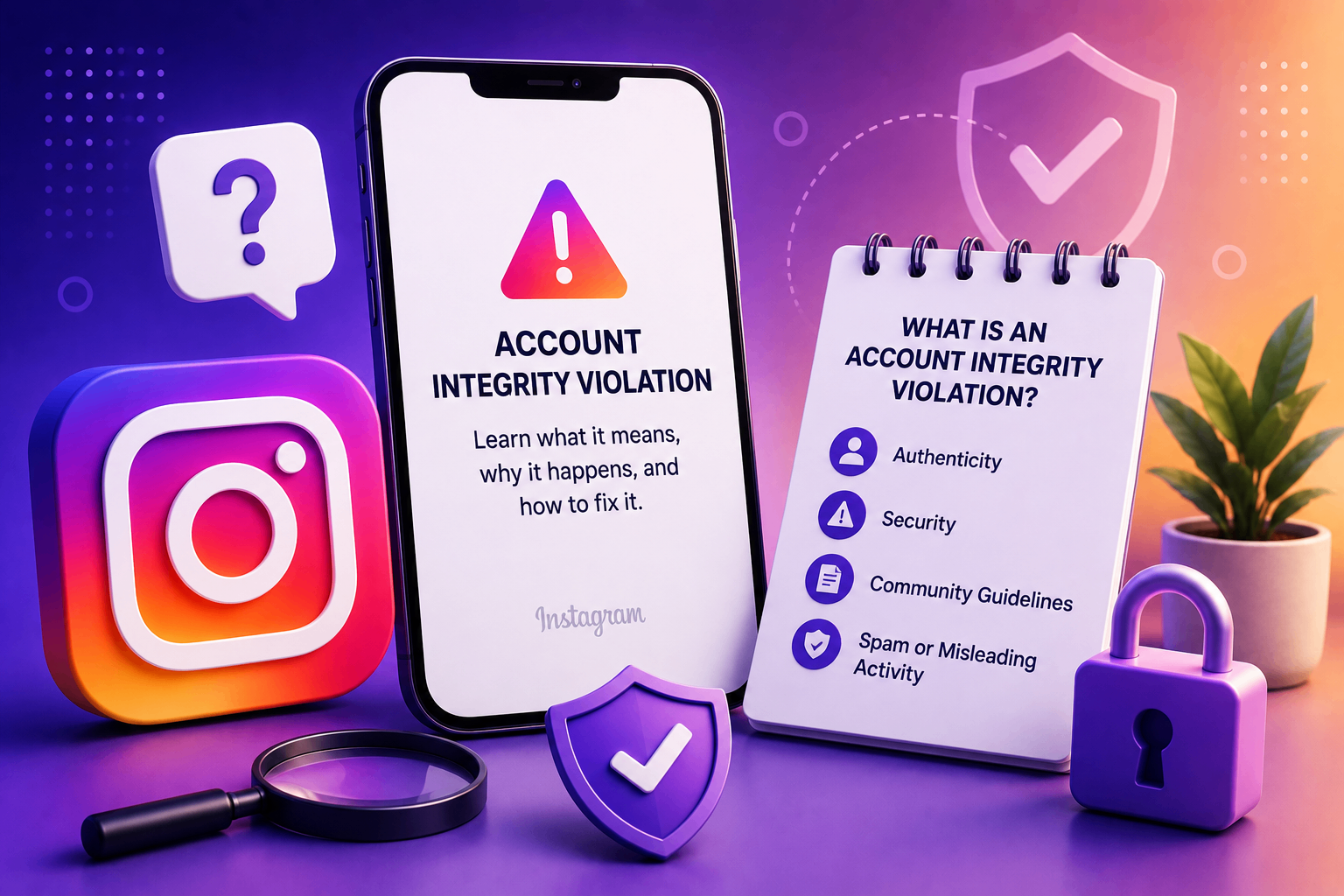
If your Instagram disable message mentions "Account Integrity", you're seeing one of Meta's broadest enforcement categories. It's not about a single post — it's about the account itself. That's both bad news (you can't just delete a bad post and apologize) and good news (you usually don't need to defend any content — you just need to prove who you are).
Plain-English definition
An account integrity violation is Meta's label for any account its trust systems classify as:
- Fake — created or operated by bots, scripts, or fake personas.
- Compromised — likely controlled by someone other than the original owner.
- Sold or transferred — operated by a different person than the one who signed up.
- Operated inauthentically — behaving in ways that look automated even if it isn't.
Notice that none of these are about what you posted. They're about who Meta thinks is behind the account.
Why this category exists
Meta has data showing that a small share of accounts cause a disproportionate share of platform harm — scams, coordinated influence operations, spam farms, romance fraud, fake reviews. Rather than wait for those accounts to do harm, the integrity system tries to identify and disable them preemptively, based on behavior patterns.
The downside is that real users sometimes have behavior patterns that look like bad-actor patterns: travel, account migration, frequent password resets, sudden engagement spikes. Those are the false positives this category produces.
Common triggers
- A sudden change in posting language, time zone, or topic.
- Login from a new country shortly after a credentials leak elsewhere on the internet (Meta cross-references known breach data).
- The account uses a profile picture that matches another verified person, including AI-generated or stock photos.
- Repeated changes to username, bio, or email in a short window.
- Buying ads from a brand-new payment method while logged in from a new device.
- A surge in follower count that the spam classifier reads as artificial (bought followers, even if you didn't buy them).
- Password reset + country change + topic shift within 30 days — the classic "sold account" pattern.
- Linked Facebook or WhatsApp account that was itself flagged or disabled.
Any one of these can flip the integrity flag, but combinations push the probability much higher. Travelers who change their password while abroad are unusually likely to be hit.
What recovery looks like
Unlike content-based disables, integrity cases are almost always recoverable through identity verification — because Meta isn't claiming you posted anything bad. It's claiming it can't confirm you're the same person who created the account.
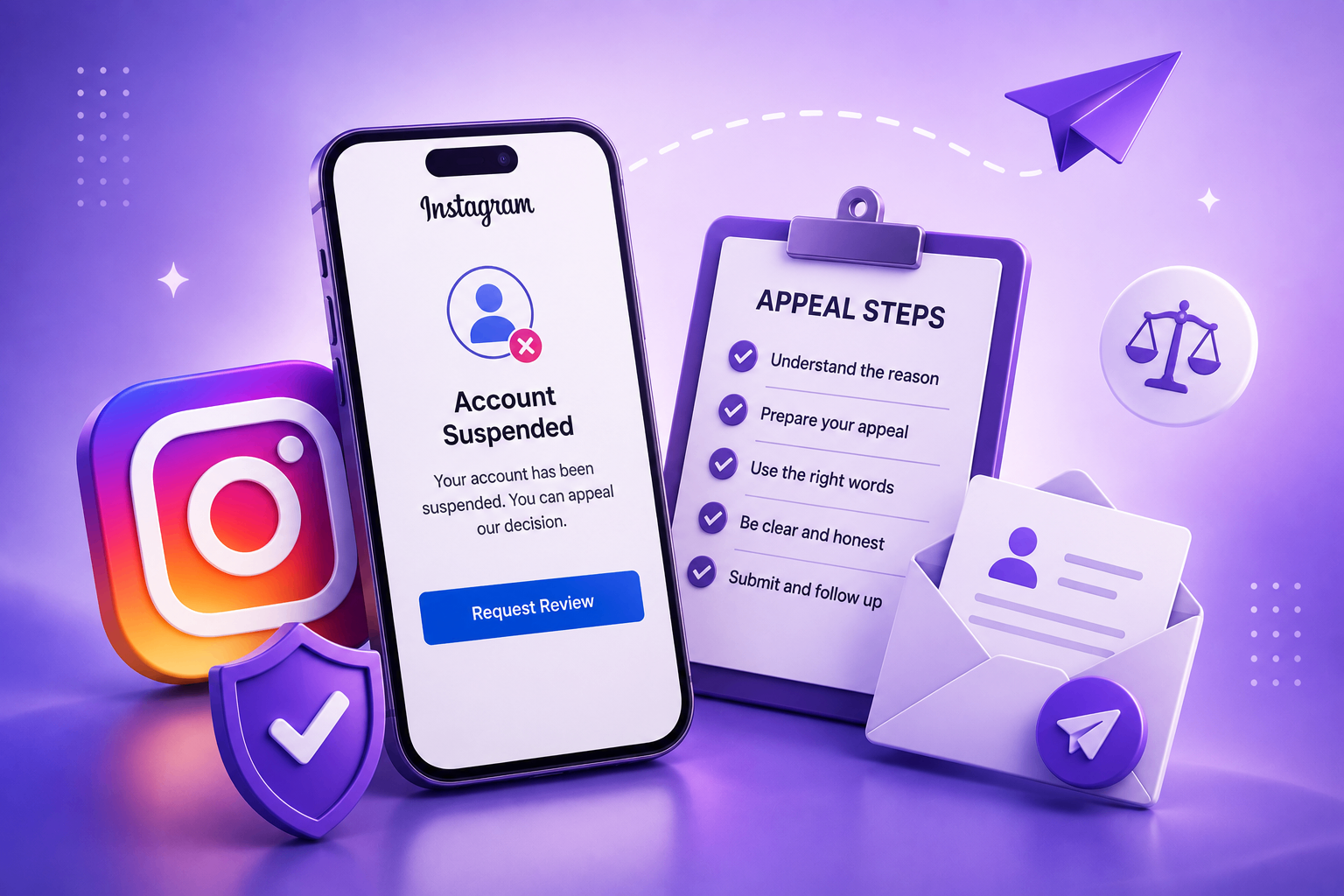
The standard recovery path:
- Open the Instagram app and try to log in.
- Tap Disagree with decision on the disable screen.
- Provide an email Meta can reach you on (replies often expire in 7 days).
- Submit a video selfie — this is the key step. Meta uses it for facial comparison against historical profile pictures, age estimation, and liveness checks.
- If asked, submit a photo of a government ID matching the name on your account.
- Write a short note (template below).
For integrity cases, the in-app video selfie often resolves the case in 24–72 hours — faster than any other appeal type.
Appeal note template for integrity cases
Hello Instagram Team,
My account @username was disabled on [date] under the account integrity category. I am the original owner of this account and I want to confirm my identity. I have completed the requested video selfie verification and I am the same person whose photos appear on the profile. Please reinstate my account.
Thank you, [Full Name]
For integrity cases the appeal text matters less than the video selfie itself, but a clear, calm note still helps.
What does NOT work
- Submitting the same appeal twice from different devices. Duplicates merge and slow the case.
- Logging in with a VPN to "look more local." VPN logins actually deepen the flag because they look like account takeovers.
- Filing a DMCA against yourself or filing an impersonation report on your own account in hopes of triggering a faster review. This signals manipulation and worsens the case.
- Paying anyone who promises to "talk to a Meta engineer." All of these offers are scams.
- Using stock or AI-generated profile photos — the face-match step won't succeed.
- Doing the video selfie from a brand-new account or freshly-installed app — both signal a bad actor trying to game the system.
Edge cases
"I look different from my profile picture"
If you've aged, lost or gained significant weight, changed hairstyle, transitioned, or simply haven't used a recent photo on the account, the video-selfie match may fail. The fix is to provide a government ID showing your face — reviewers can do the cross-match manually.
"My account was actually hacked"
Different recovery path — use the hacked account form instead of the integrity appeal. We cover this in detail in our Instagram appeal template library under "Hacked account recovery."
"I bought this account legitimately from someone"
Be careful here. Buying accounts is itself an integrity violation. Even if both parties acted in good faith (e.g. buying a business with its social presence), Meta's position is that accounts are non-transferable. Recovery often requires the original signup-period identity, which the new owner doesn't have.
How to avoid integrity flags in the future
- Keep the same primary phone number and email on the account long-term. The trust model values continuity.
- Avoid logging in from many devices within short windows. Use the in-app account switcher rather than re-logging.
- Don't share login credentials with editors, VAs, or growth services. Use Business Suite delegation.
- Match your profile picture to your real appearance and update it occasionally rather than abruptly.
- Avoid sudden username, bio, or topic changes, especially right after a password reset.
- Use two-factor authentication with both email and an authenticator app.
- Don't buy or sell access to any account, ever.
- Be cautious with ad spend on new payment methods. If you switch business cards, do it before you ramp ad volume, not during.
Need help writing the appeal?
For integrity cases the appeal text matters less than the identity verification, but a clear note still helps. Our AI Case Analyzer generates the right wording and reminds you exactly what to attach. If you want a human on our team to look at the case first, the contact form is open.
Bottom line
An integrity flag is scary because it sounds permanent — but in most cases, a single video selfie restores access. The trick is using the right channel (in-app, not web form), providing real identity proof, and not panicking into duplicate appeals. For the full breakdown of all 15 common disable reasons, see our reasons guide.