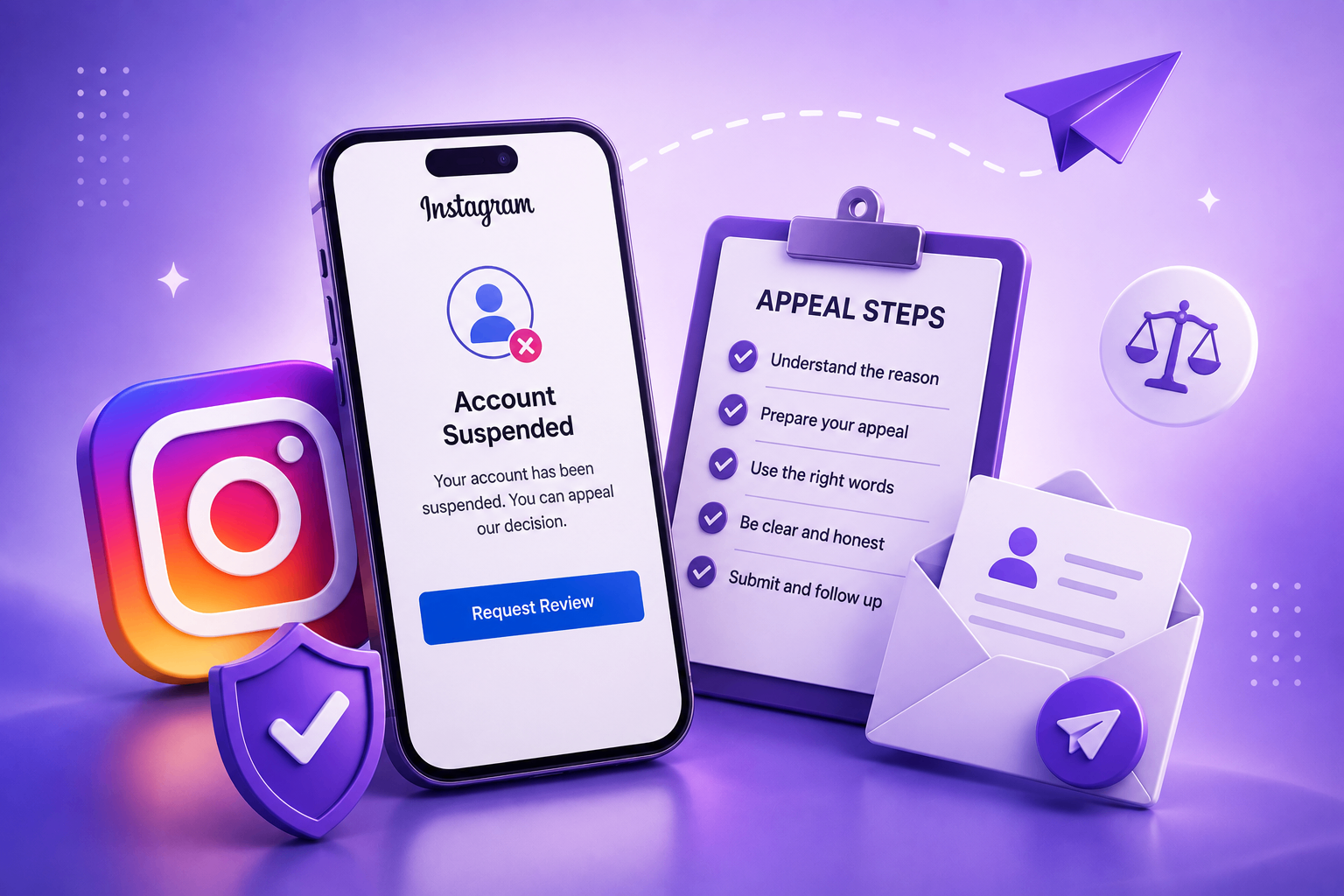
Instagram Account Disabled for No Reason? Here's What to Do
If your Instagram was disabled out of nowhere, you're not alone. Learn the hidden causes, the recovery steps that still work in 2026, the exact wording for a 'no reason' appeal, and how long it really takes.
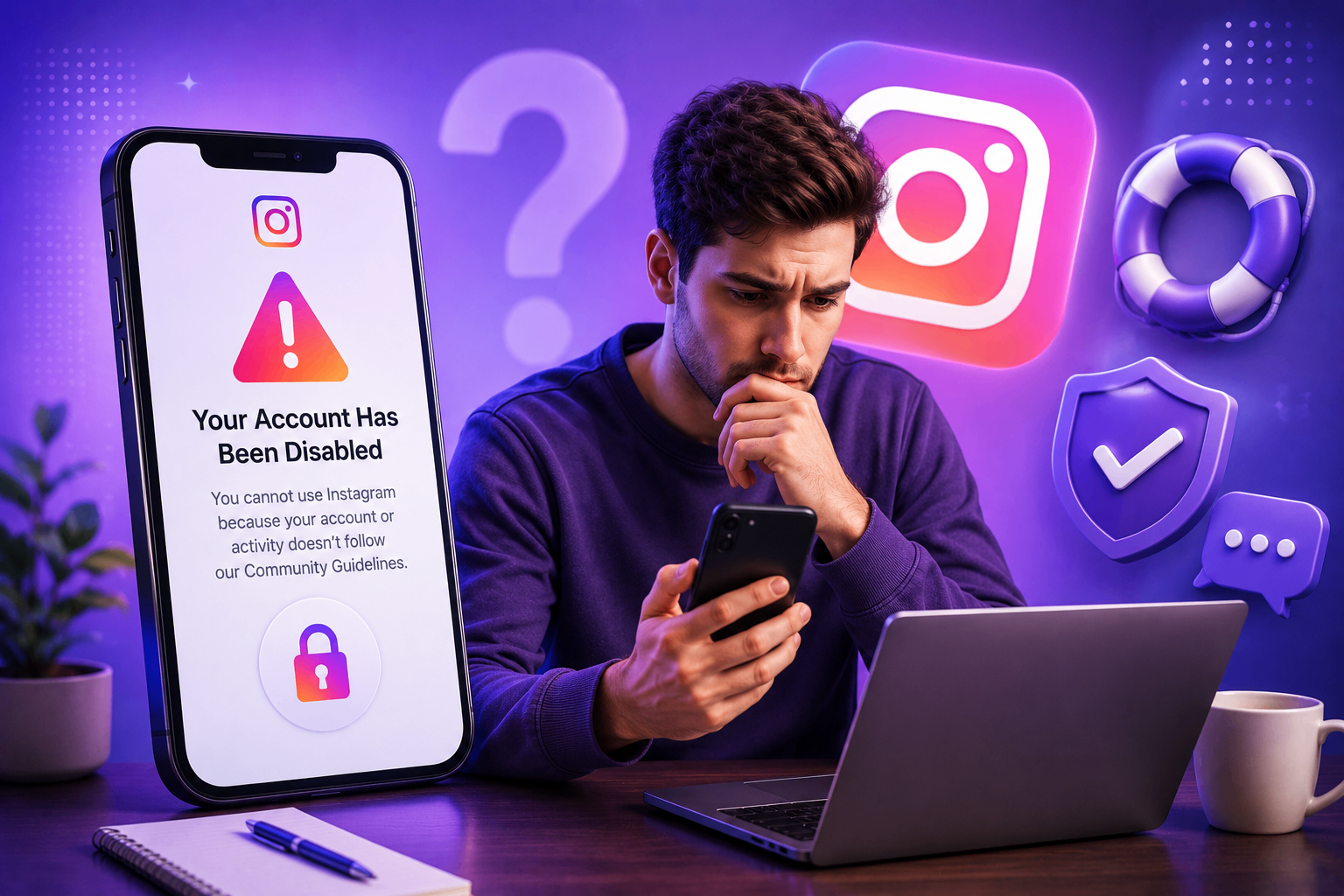
"I didn't do anything — and they disabled my account."
If that's you, the first thing to know is: this happens to tens of thousands of accounts every day, almost always due to automated systems. The second thing to know is: most of these cases are recoverable, often within 72 hours, if you act calmly and use the right channel.
This guide walks through why "no reason" disables happen, what's actually going on behind the scenes, and exactly what to do about it.
The truth about "no reason"
Instagram never disables an account literally for no reason. The system always thinks it saw something — but the actual signal is often invisible to you. The most common silent triggers in 2026 are:
- A mass-report campaign from a coordinated group. Common against political, LGBTQ+, activist, journalist, and creator accounts. Even a few dozen coordinated reports inside an hour can trigger automated review.
- A trademark or impersonation complaint filed by a third party. Meta usually disables first and reviews later. You weren't told because the report goes to legal review, not to you.
- An automated false positive from Meta's vision or NLP models re-scanning an old post months after it was published. Model updates re-process historical content, and false positives surface long after the post was made.
- Account integrity flags — when a behavior pattern (logins, IP changes, sudden growth, password reset, ad activity) trips the trust model. Read more in our account integrity explainer.
- A friend or family member's banned account sharing your IP, SIM, or device. This is associated account enforcement and one of the most frustrating triggers.
- Linked WhatsApp or Facebook accounts that were themselves disabled.
- Suspicious payment activity on Reels monetization, Subscriptions, or ads.
None of these require you to have done anything wrong.
Step 1: Don't panic-submit five appeals
The biggest mistake is hammering the appeal form. Duplicate submissions get auto-merged and pushed to the back of the queue. Submit one appeal, then wait.
If you've already submitted three appeals in a panic, don't submit a fourth. Wait the full 14-day window before any new action.
Step 2: Use the in-app appeal path first
The fastest path in 2026 is still the in-app "Disagree with decision" option that appears the moment you try to log in. It triggers a video-selfie verification flow that human reviewers prioritize over web-form cases.
If the option doesn't appear, use the "My Instagram account was deactivated" form on Meta's help site. There's also a separate form for business accounts — use that one if your account was set to professional.
Step 3: Frame the appeal correctly for a "no reason" case
For a "no reason" disable, do not apologize for anything. Apologizing is read as an admission of fault by the automated triage layer. Instead, use neutral, factual language. Here's the wording we recommend:
Hello Instagram Team,
My account @username was disabled on [date] without a specific cited reason. I have carefully reviewed Instagram's Community Guidelines and I do not believe my account violated any of them. I am the original owner of this account and I am happy to verify my identity with a government-issued ID or a video selfie. Please review my account and restore access.
Thank you, [Full Name]
Five sentences. Calm and specific. No apologies, no emotional language, no follower-count flexing.
Step 4: Verify identity even if not asked
Meta's reviewers convert "no reason" appeals at a much higher rate when the user proactively offers ID verification. Even if there's no upload field on the form you used, mention in the text that you can provide ID and selfie if asked. This signals you're a real person who isn't hiding anything.
If there is an upload field, attach a passport, driver's license, or national ID with the numbers covered. Use the same name as your account.
Step 5: Wait the full window
Meta's stated review window is 30 days for most appeals. The median we see in 2026 is:
- 2–4 days for in-app video-selfie cases.
- 7–14 days for personal account web-form cases.
- 3–7 days for business / creator account cases.
Avoid any new appeals, password changes, or device switches during this window. They can reset the case.
Step 6: If denied — replying matters
A rejection email is not a final answer. Reply directly within 7 days with one paragraph clarifying your case and offering ID again. This reply goes to a human escalation team that has broader authority than the original reviewer.
If you don't get any response to your reply within 14 days, you can submit a fresh appeal from a different IP — sometimes the case is re-triaged.
Step 7: Pull your data either way
Whether your case resolves or not, submit a data download request via Settings → Your Activity → Download Your Information (or the equivalent help form if you're locked out). This recovers your photos, messages, contact list, and metadata. Even in a worst-case outcome, you keep the work.
Why this happens so often
Meta moderates billions of posts and accounts. Even a 99.9% accurate model produces millions of false positives every year. The system is built to be fast, not perfect — and reviewers exist precisely to fix the false positives. Most "no reason" disables are exactly that: false positives the reviewer can clear in seconds if you give them the right information.
What to do while you wait
- Don't post on backup accounts about the disable — Meta scans them and can use it as a signal.
- Don't sign up new accounts on the same IP or SIM.
- Tell important contacts (customers, family) through other channels so business doesn't break.
- Save your data download once you get access back.
What does NOT work
- Paying anyone who claims to "talk to a Meta employee." Every offer like this is a scam.
- Mass-tagging @instagram or @mosseri on X (Twitter). They stopped escalating in 2022.
- Posting about it publicly to "shame Meta into responding." It changes nothing and can hurt your appeal if reviewers see hostile public language tied to your name.
- Creating a duplicate account "as a backup." It can get auto-disabled and used as evidence against the original.
Help with your appeal
If you want a second opinion on what to write, our AI Case Analyzer takes the facts of your case and produces an appeal optimized for the patterns Meta's reviewers respond to. It's specifically tuned for "no reason" cases — it knows which language signals real-owner credibility and which signals get cases auto-closed.
You can also contact us if you want a human on the AppealMate team to look at the specifics first.
Bottom line
"Disabled for no reason" is more often "disabled for a wrong reason." Either way, you usually have a real shot at getting back in if you submit one calm, specific, identity-backed appeal through the right channel — and then wait without spamming. For the full step-by-step including evidence checklists, see our main recovery guide.